
Monthly
$19.99 a month
Billed every month.
For UGC creators on iPhone
Just Cut cuts the pauses, ums and retakes on the iPhone you filmed on, shows every cut so you can put one back, and saves each file the way the brand asked.
Your video never uploads, so there is no upload to fail.
AI included up to a free allowance, normally enough for 5 reels.
Your hours
Only your numbers go in. Nothing is filled in for you, and nothing you type leaves this page.
Type the first three numbers to see your hours.
0hours a month you edit today
0hours a month back, by your numbers
$0what one video pays per hour of filming and editing today
$0per hour, with your guess for Just Cut
Your numbers, not a promise.
Hours back pay you only if brands book the videos. In the same survey, 57 percent of creators said reaching brands is the hardest part2. Just Cut is an editor. It does not find brands for you.
Why on the phone
A cloud editor uploads every clip before it cuts it. We read the 42 low and mixed App Store reviews of a popular one for UGC. Here is what people ran into.
In the reviews17 of the 42 are about uploads that fail or processing that gets stuck. One 7 minute video failed 10 times.
Just CutNothing to upload. The cut runs on the iPhone you filmed on.
In the reviewsOne reviewer waited 20 minutes for processing. Another waited 45 minutes and got nothing.
Just CutNo server queue. You watch the cuts land on the timeline while it builds.
In the reviews11 of the 42 say words got cut off or dead air was left in.
Just CutEvery cut shows on the timeline, marked pause, um or retake. Put any of it back.
In the reviewsTwo reviewers ask for wide video. One says brands turn down tall video.
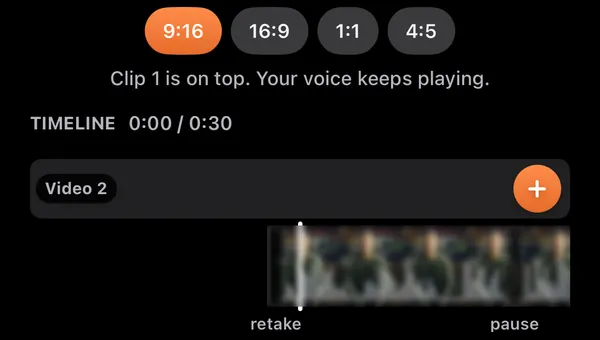
Just Cut9:16, 4:5, 1:1 and 16:9 from the same edit.
From the 42 low and mixed reviews of that editor in Apple's public review feed (US, UK, Canada, Australia), read October 29, 2026.
Hooks
A brand brief template asks for three alternate hooks as separate files1. Each hook is a file you deliver, so Just Cut keeps them in one reel and counts them for you.
The script sits beside the lens. Read Hook A, tap Next, read Hook B, and so on, then the body.
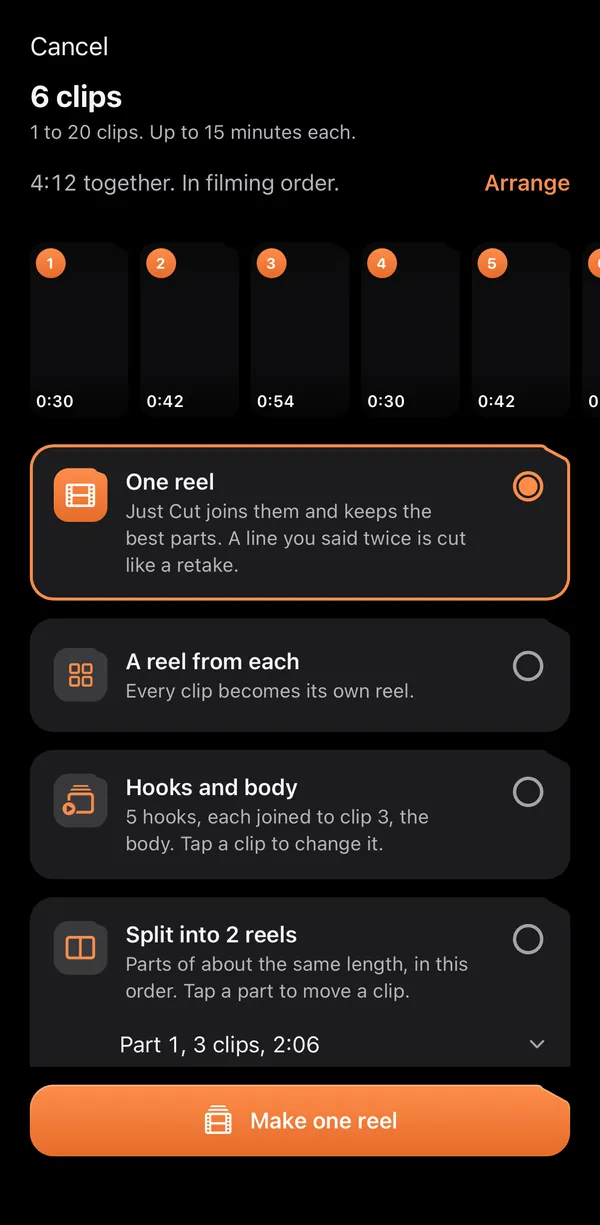
Already filmed your hooks? Pick several takes at once and each one goes on the same body.
Tap it and Just Cut finds lines in what you already said that work as an opening.
Tap it and Just Cut writes hook ideas from your body's words. Each one goes to the prompter, ready to film.
What the brand gets. Example: a client called Glow
I tried every serum. This is the one I kept.
Glow_Hook01_9x16_v01.mp4
Glow_Hook01_4x5_v01.mp4
What does a serum do in one week?
Glow_Hook02_9x16_v01.mp4
Glow_Hook02_4x5_v01.mp4
Day 14. This is my skin with no makeup.
Glow_Hook03_9x16_v01.mp4
Glow_Hook03_4x5_v01.mp4
The same body plays after every hook.
Fix one word in the body and every hook file is rebuilt. Version 1 is kept.
Just Cut never picks a winning hook. The brand's own ad results decide that.
How it works
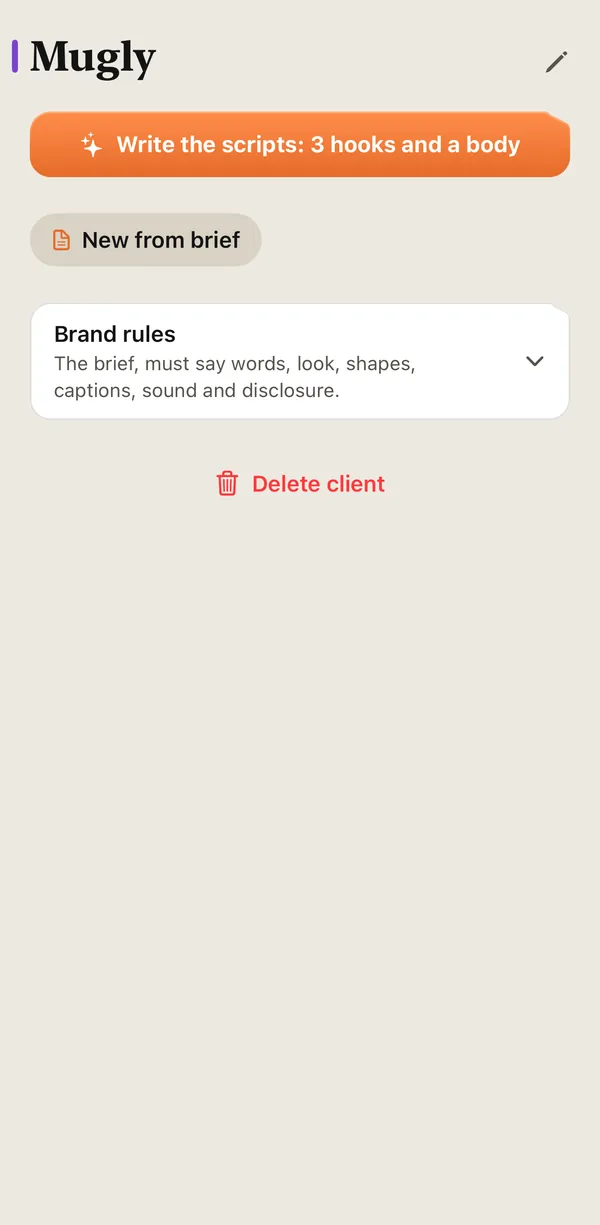
Paste it, or share a PDF or a screenshot. Just Cut sets up the client with the brand's rules and writes Hook A, B and C and the body.
Film with the script beside the lens, or pick up to 20 clips from Photos and choose how they become reels.
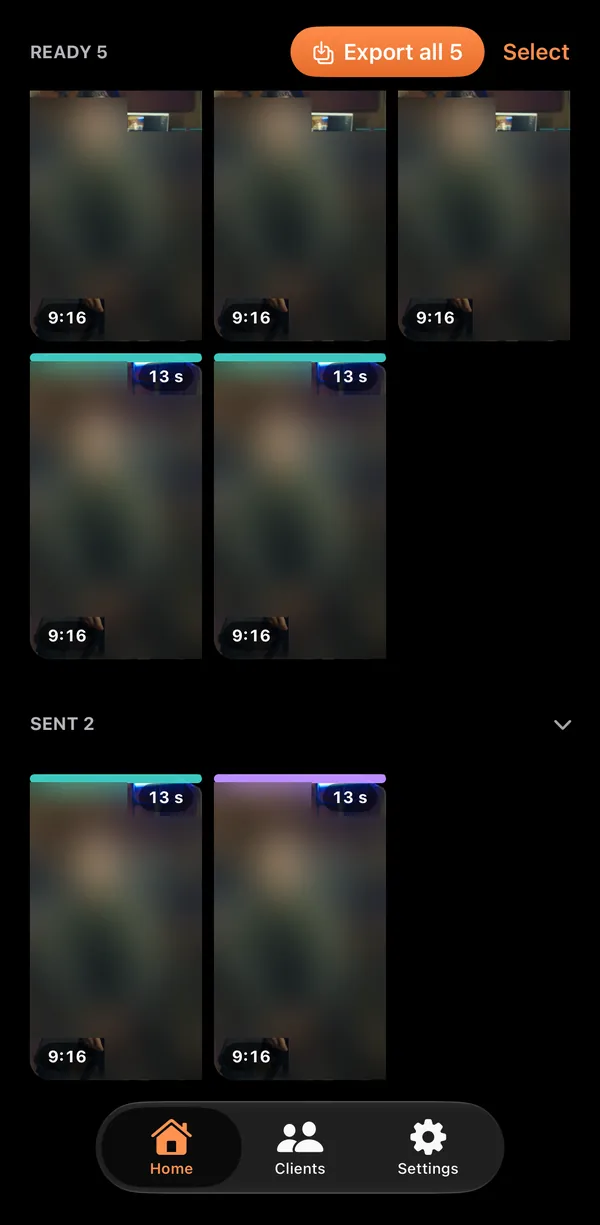
Every hook in every shape, captions burned in or a clean file plus SRT, each file named. Save to the client and the reel moves to Sent.
Also in it
Same price, more in it
A popular cloud editor for UGC starts at the same $19.99 a month.
| What | Cloud editor, $19.99 plan | Just Cut |
|---|---|---|
| Edit count | 100 AI edits a month. Each reel cut counts as one. | Editing on the iPhone: no count. AI writing: about 100 reels a month. |
| Overlap audio and batch | Not on this plan. Both come with its $49.99 plan. | Included: up to 20 clips into reels in one go |
| Your video | Uploads your video before it is cut | Stays on your iPhone |
| To start | 3 day trial, card at sign up | 5 free reels, no card |
Its plans as shown on its paywall and plan page in its iPhone app on October 30, 2026, where one reel used 1 of 100 edits. Its upload step from its own privacy policy and app, read in October 2026. Plans and prices can change.
Price
AI included up to a free allowance, normally enough for 5 reels. A reel counts when you save it, so one that fails does not count.
Monthly
$19.99 a month
Billed every month.
Yearly
$149.99 a year
Billed once a year. About $12.50 a month.
For ages 13 and up. Prices in US dollars. Payment is charged to your Apple Account. The plan renews unless you cancel at least 24 hours before the end of the period. Subscription Terms.
One email the day it is on the App Store. Nothing else.
Questions
Your video stays on your iPhone. When you use Just Cut's AI, the words go to it: the words of your take, the brief you paste and what you type. The cut, the captions and the export happen on the phone.
Nothing goes to the AI until you tap Allow the first time you use it, and you can turn it off in Settings. If you ask Just Cut to name effects in Match a reel, a few small still frames are sent too. The details are in the Privacy Policy.
Editing on the iPhone: no count. AI writing: about 100 reels a month. After the month's share of the best AI, Just Cut switches to a lighter AI and tells you. Every feature, overlap audio and batch included, is on the one plan.
5 reels with every feature on, no card and no account. AI included up to a free allowance, normally enough for 5 reels. A reel that fails does not count. After that it is $19.99 a month or $149.99 a year, billed through your Apple Account.
Each hook in each shape you pick, named for the client, with captions burned in or a clean file plus an SRT caption file. Raw clips stay off unless the client asks. No watermark.
No. It is an editor. It gives you back editing hours and keeps each client's files and rules in order. Winning the deal and sending the invoice stay with you.
In iPhone Settings: tap your name, then Subscriptions. Apple handles the billing, so there is no account of ours to close. The plan keeps working until the end of the period you paid for.
An iPhone with iOS 26 or later. iPhone only, so there is no Android version. Just Cut listens through Apple's speech on the iPhone, so the languages it hears depend on your iOS version. The cut is tuned best in English, Spanish and Romanian today.
Levron Films LLC, a commercial and corporate video production company. You need to be 13 or older to use Just Cut.
It is launching on the App Store. Join the waitlist and we send one email when it is live.
One email when Just Cut is on the App Store. Your first 5 reels are free, no card.